Payment & Security
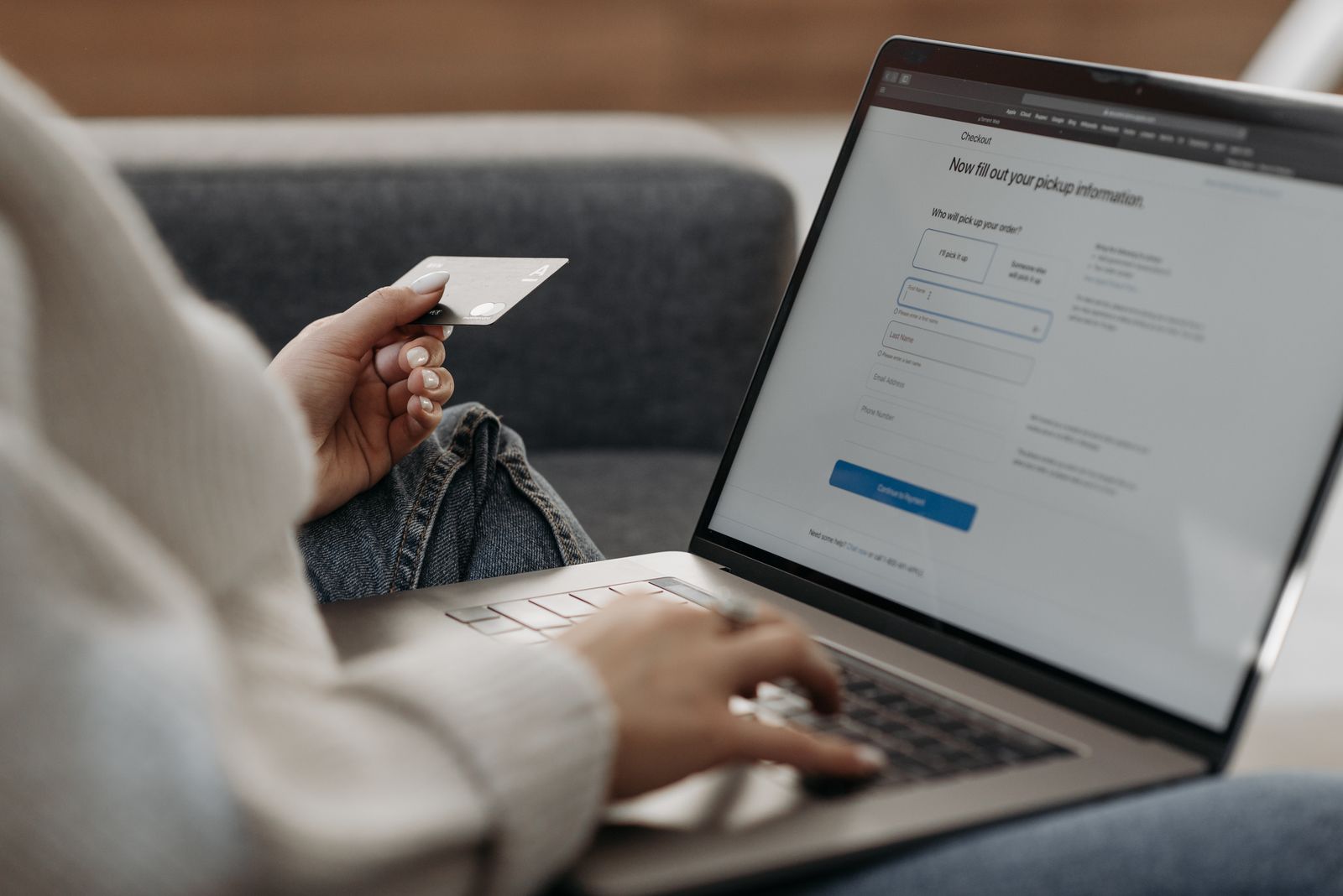
Checkout with Confidence
Cozivelle is committed to making checkout clear, convenient and secure. Payment options available to you are displayed during checkout, while transaction processing and verification may involve specialized payment providers and financial institutions.
Security at Checkout
Designed to Protect the Transaction Journey
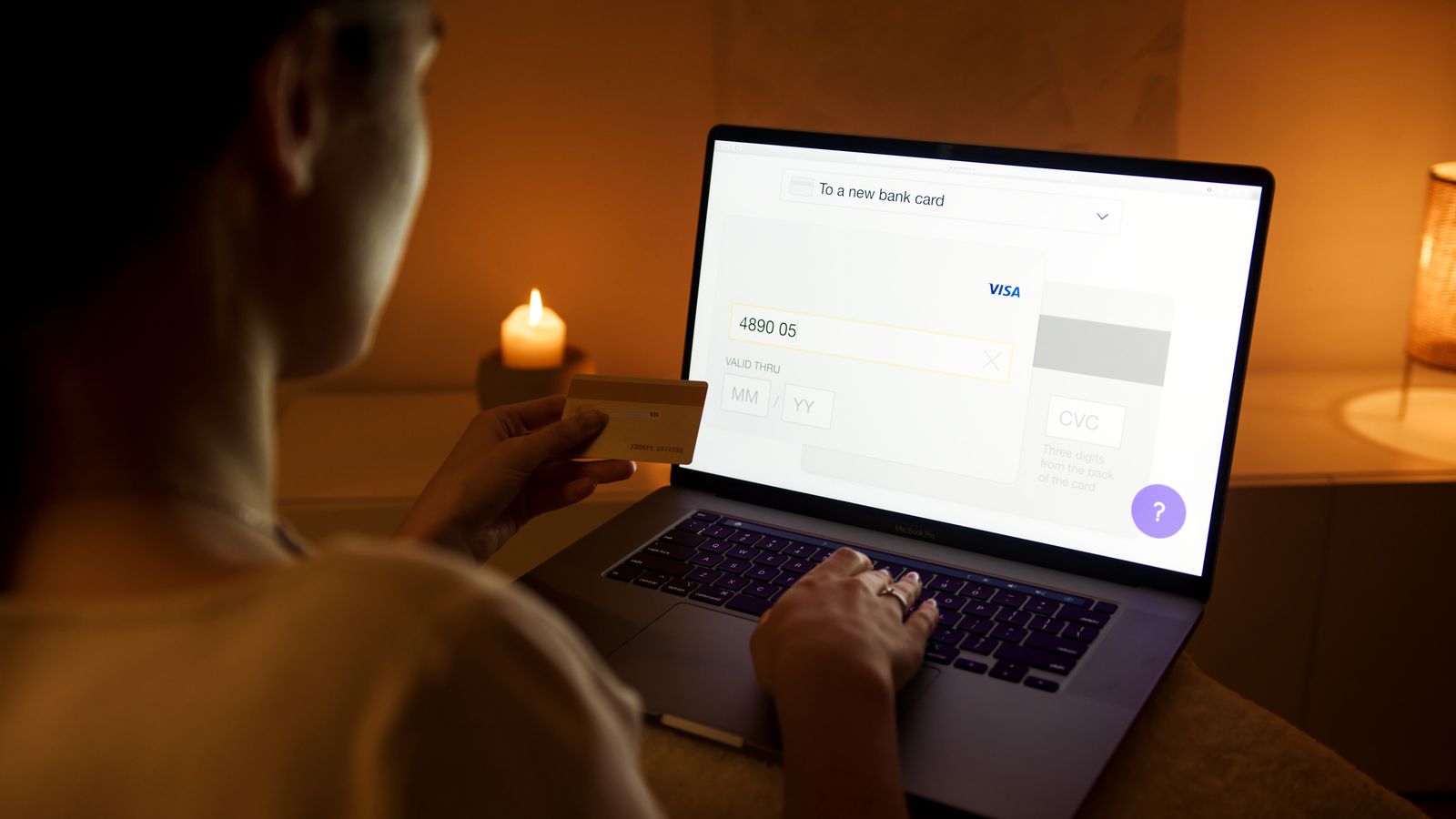
Security involves more than the payment itself. It includes the connection, verification process, payment provider and the way sensitive information is handled during checkout.
Protected Web Sessions
Secure web connections help protect information while it is transmitted between your browser and the services used to complete checkout.
Specialized Payment Services
Payment transactions may be processed through specialized providers that handle authorization and communication with banks or payment networks.
Transaction Checks
Banks and payment providers may use verification or fraud-prevention checks before approving a transaction.
Review Before Paying
Checkout gives you an opportunity to review relevant order information and the displayed total before completing payment.

Before You Pay
Know What You Are Confirming
Before completing checkout, review the information shown with your order. Accurate billing, delivery and contact details can help reduce avoidable payment or fulfillment issues.
- Confirm the products, quantities and selected product options in your order.
- Review the billing information associated with your chosen payment method.
- Check your shipping address carefully before the order is submitted.
- Review the final amount displayed at checkout before authorizing payment.
- When an eligible automatic Cozivelle promotion applies, confirm that it is reflected in the checkout total.
The Payment Journey
What Happens When You Place an Order
A payment can pass through several stages before the order is successfully confirmed. Some stages are handled by Cozivelle while others depend on the payment provider or financial institution involved.
Submit Checkout
You review your order information and authorize payment using one of the options available during checkout.
Payment Authorization
The payment provider communicates with the relevant payment network or financial institution to request authorization.
Verification
Additional verification may occasionally be requested by a bank or payment provider before a payment can be approved.
Order Confirmation
Once checkout is successfully completed, the order can move forward into Cozivelle's preparation and delivery process.
Payment Information
Sensitive Details Deserve Extra Care
Payment information should only be entered through the appropriate checkout or verification interface. Avoid sending sensitive payment credentials through ordinary customer-support messages.
- Do not send your full payment-card number through email or ordinary support messages.
- Do not share card security codes, account passwords or PINs with customer support.
- Keep one-time verification or authentication codes private unless you are entering them directly into the legitimate verification interface that requested them.
- If a message asking for unusual payment information appears suspicious, avoid responding until you have verified the request independently.
Protect Yourself Online
Small Security Habits Matter
Secure technology is only part of online safety. A few practical habits can also help protect your payment information and reduce the risk of fraudulent activity.
Make sure you are using the genuine Cozivelle website at cozivelle.lat before entering checkout or account information.
Keep your browser and device software updated and use appropriate device security such as a password, PIN or biometric lock.
Avoid entering sensitive payment information on unfamiliar or unsecured public networks when a safer connection is available.
One-time authentication codes can help protect financial accounts and should not be casually shared with another person.
Check transaction notifications and account statements so unexpected activity can be identified quickly.
Payment Troubleshooting
When a Payment Does Not Go Through
A declined or incomplete payment does not always mean something is wrong with your Cozivelle order. Payment authorization depends on several systems and can fail for different reasons.
Check Entered Details
Review the payment information and billing details entered during checkout for typing errors or missing information.
Check with Your Provider
A bank or payment provider may decline a transaction because of account restrictions, available funds, fraud controls or another provider-specific reason.
Complete Verification
If your provider requests an additional authentication step, the transaction may remain incomplete until that verification has been successfully completed.
Avoid Repeated Rapid Attempts
Repeated attempts in a short period can sometimes trigger additional security checks. Review the information first before trying again.
Ask for Help
If checkout remains unsuccessful, Cozivelle customer support can help review store-side order information, although your financial institution may need to explain a provider-specific decline.
Refunds & Payment Reversals
Refunds Return Through the Payment Process
When a refund is approved under Cozivelle's applicable return and refund terms, it is submitted back through the original payment method where applicable. The time required for the amount to appear can depend on the payment provider or financial institution.
Return Review
Eligible return requests are handled according to Cozivelle's return and refund process.
Refund Submitted
Once approved, the applicable refund is submitted through the original payment route where available.
Provider Processing
Your bank or payment provider may require additional processing time before the refunded amount appears in your account.
Security Beyond Payment
Your Order Information Matters Too
Checkout can involve more than payment information. Contact details, shipping information and order history may also be processed to complete purchases, provide delivery, prevent misuse and support customer service.
- Order information may be used to process and fulfill your purchase.
- Shipping information may be provided to services involved in completing delivery.
- Transaction and order information may be used for fraud prevention, recordkeeping and customer support.
Privacy & Payment Data
Read How Personal Information Is Handled
Cozivelle's Privacy Policy explains how personal information may be collected, used, disclosed and protected when you browse the store, place an order, subscribe to communications or contact customer support.
The policy also explains information relating to transactions, service providers, cookies, security practices and privacy choices that may be available depending on applicable law.
Read Privacy PolicyPayment Support
Questions About Checkout?
Cozivelle customer care is available 24 hours a day, seven days a week. If you have a question about an order total, an automatic promotion, a checkout issue, refund status or another store-related payment concern, our team can help review the information available to us.